
- We’re on your favourite socials!


Facing issues checking your results on the Sandip University ERP portal? This guide explains common problems like login errors, missing results, incorrect marks, and portal loading issues. It also shares simple steps to fix them and where students can seek help on campus if their results are not showing correctly.
- What Is the Sandip University ERP System?
- Why Students Use the ERP Portal to Check Sandip University Results
- Common ERP Result Issues Students Face at Sandip University
- How Students Can Solve Sandip University ERP Result Issues?
- Importance of Checking Sandip University Results Carefully
- Sandip University Academic Records and ERP System
- Sandip University Scholarships and Academic Performance
- Understanding How Sandip University Fees and Academic Records Work
- Sandip University Campus Support for Students
- Tips to Avoid Sandip University ERP Result Problems
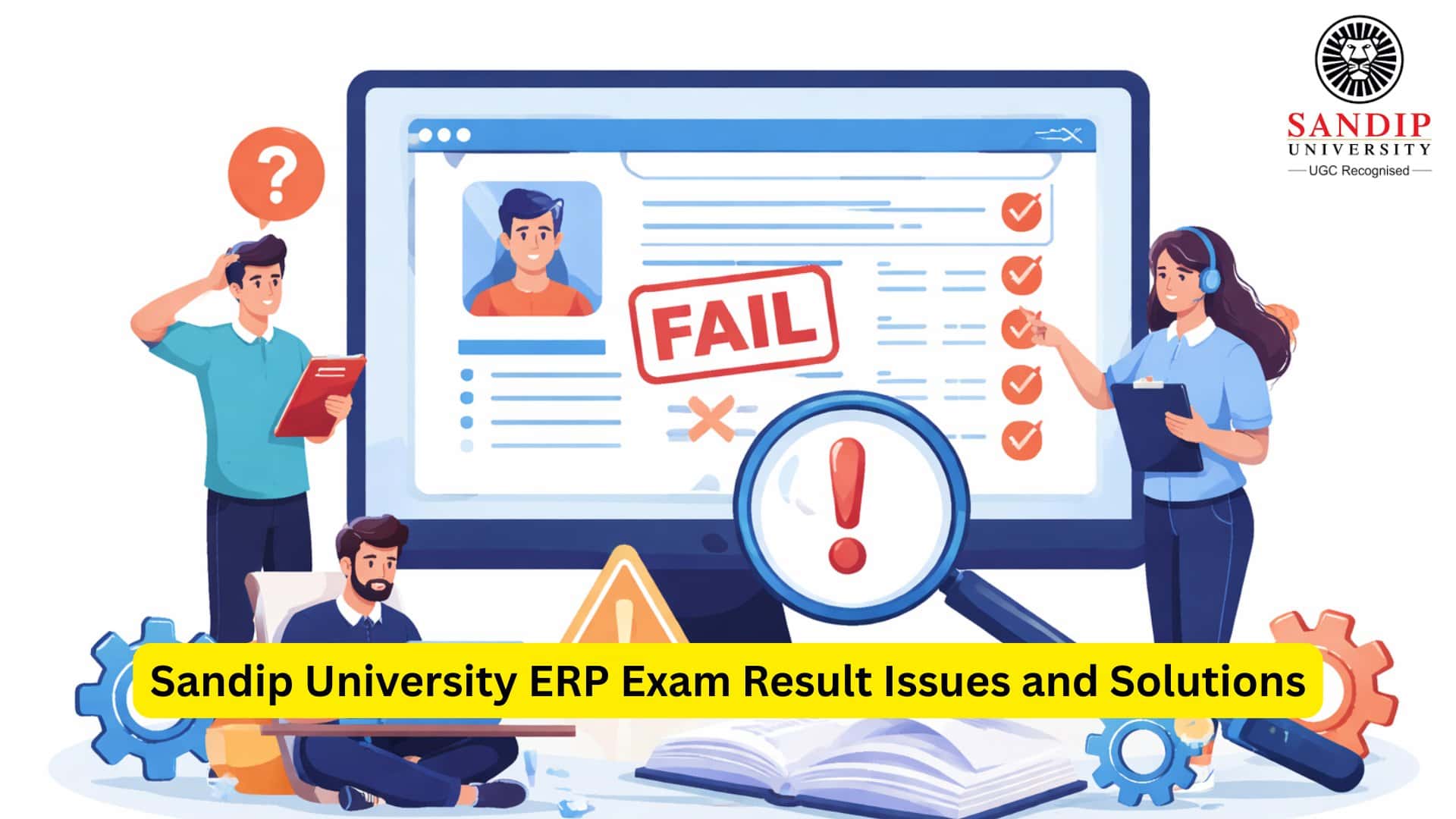
Sandip University exam results are one of the significant aspects of the academic life of university students. In the present day, many universities use online technologies to manage their students’ academic records, exam results, attendance, and many more. Sandip University is one of the institutions that uses the ERP system to allow the students to access their academic records online.
Students can access their exam results, download their mark sheets, view their attendance records, etc., online. However, the students face problems while trying to access their exam results online. This document is intended to highlight the problems that the students face while trying to access their exam results online via the ERP portal at Sandip University.
What Is the Sandip University ERP System?
The ERP used in Sandip University is an online academic management system. This system connects the students, teachers, and various departments of the university through the online portal.
The students can access the ERP by entering their university ID and password. They can access various important features, such as:
- Results of the examinations
- Attendance
- Information about the courses
- Information about the academic schedule
- Internal assessment marks
This helps the students access the latest information about their academics without having to visit the university frequently. The details of the Sandip University ERP login are sent to the students after the completion of the admission process in Sandip University.
Why Students Use the ERP Portal to Check Sandip University Results
The Sandip University ERP portal is typically the primary source for students to access their results for the current semester. Rather than relying on physical notifications, the student can access the results and their scores by using the ERP portal.
The benefits of using the ERP portal for the student:
- Quick access to results
- Keep a track of their academic progress
- Download their results record
- View their subject-wise results
Since the academic system of various courses at Sandip University includes a semester system for examinations, the ERP portal becomes a significant source of information for the student to keep abreast of their academic results.
Common ERP Result Issues Students Face at Sandip University
Despite the system being user-friendly, some challenges may arise when a student is accessing his or her results. The following are some of the challenges that have been experienced by the students.
Login Problems
The first problem that may arise in the system is related to the login process for the Sandip University ERP portal. The errors that may appear on the screen for the students may include:
- Username and password not correct
- Account not recognized
- Login screen not loading correctly
The problems may arise when the details are not correctly entered in the system, or the account may not have been activated correctly. Students who have recently completed the Sandip University admission process may sometimes face a delay in activating their account in the ERP system.
Result Not Showing on the Portal
At times, students may be able to log in but may not be able to view their exam results.
This may be due to the following reasons:
- The results may not have been uploaded for that particular course.
- The student’s department may not have finalized the results.
- The student may face temporary delays.
Students should contact their department regarding this issue.
Incorrect Marks Displayed
Students may face the issue of incorrect marks being displayed in the Sandip University ERP. This may include the following situations:
- The internal marks may not be displayed.
- The total marks may be incorrect.
- The grade of the subject may be incorrect.
Students should immediately contact their department regarding this issue.
Portal Loading Errors
When it is time to announce results, many students try to log in at the same time. This may sometimes cause:
- Slow loading of pages
- System errors
- Downtime
These problems will go away when traffic to the server reduces.
How Students Can Solve Sandip University ERP Result Issues?
If the students are facing difficulties in checking the results, there are certain steps that the students need to take in such cases.
Step 1: Verify the Login Details
The first step is to verify the login details.
The details include:
- Username or enrollment number
- Password
- Portal link
If the password is forgotten, the students can reset the password using the portal or contact the university.
Step 2: Confirm the Official Announcement of the Results
The results may not be available on the ERP portal unless they have been officially announced by the examination department. The students have to check whether the results for the particular program have been officially announced or not, to conclude whether there is a problem with the ERP system or not. The results may vary according to the Sandip university courses selected.
Step 3: Contact the Department Office
If the result is still not visible, the students should contact their department. The department staff may check the following:
- Result upload
- Marks under review
- Systemic delays
Students may get assistance from the department offices at the Sandip University campus regarding their academic records.
Step 4: Visit the Examination Department
Students may have to visit the university examination department if they find that their marks are incorrect or not updated. Students may be asked to submit a written application or attach the following documents:
- Enrollment number
- Subject details
- Semester details
Step 5: Clear Browser or Device Issues
The problem could also be from the device being used rather than the Sandip University ERP system itself. The following options could be used by the students:
- Refreshing the page
- Clearing the browser cache
- Logging in using a different device
- Using a different internet connection
Importance of Checking Sandip University Results Carefully
Students should always review their results once they are displayed on the Sandip University ERP portal.
They should look at:
- Subject marks
- Internal assessment marks
- Total marks
- Whether they have passed or failed
If they notice anything wrong, they should inform the university immediately.
This is important because the records are required later for academic opportunities, internships, and further studies.
Sandip University Academic Records and ERP System
The ERP system maintains academic records of all the important events in the academic journey of the student in the university.
The records that are available in the ERP system include:
- Semester performance
- Attendance records
- Schedule of academics
- Registrations of courses
These records are required later by the students for internship and academic opportunities after completing their studies.
Sandip University Scholarships and Academic Performance
Students who perform well in academics are also eligible for Sandip University scholarships. Since academic performance is often required for scholarship eligibility, it is essential to have accurate exam results. Students should ensure that their ERP results show accurate scores in order to be eligible for scholarship opportunities.
Understanding How Sandip University Fees and Academic Records Work
Students are often worried that problems related to their exam results could impact their academic records. In most cases, problems related to the Sandip University ERP exam results are not related to the Sandip University fees structure or the payment of fees. Students should ensure that they complete all requirements correctly in order to avoid delays in accessing university services.
Sandip University Campus Support for Students
Students who face any issue in Sandip University ERP can always seek help from various administrative offices in the Sandip University campus. Students can clear any academic record problems with the help of various departments, ensuring that the results are updated correctly. Students should try to contact the concerned department instead of waiting for the issue to clear on its own.
Tips to Avoid Sandip University ERP Result Problems
Students can avoid facing any ERP problems by following a few simple tips:
- Students should always keep their login credentials safe.
- Students should regularly check the ERP portal for any updates.
- Students should always confirm the dates for announcing the results.
- Students should always save a copy of the result records by downloading them.
The ERP system helps the students at Sandip University access important academic information in a quick and convenient manner. Nevertheless, as with any other information technology system, students may occasionally face some problems when checking their exam results. Students who are aware of the working of the system can quickly resolve any problems that may arise when checking the results, as they can report such problems in a timely manner.
For the students who study at Sandip University, being updated about academic records and the working of the ERP system can make the academic journey an easier one.
FAQs
The ERP system used by Sandip University is an online platform that helps manage academic records and student information. Through this system, students can log in and access details such as exam results, attendance records, course information, and academic schedules. The portal connects students with faculty and administrative departments so that important academic updates can be shared digitally. Students usually receive ERP login credentials after completing the Sandip University admission process and enrolling in their chosen academic program.
Sometimes students log in to the ERP portal but cannot see their exam results. This may happen if the results have not yet been uploaded for that semester or if the department is still finalizing marks. Different Sandip University courses may release results at different times depending on the examination schedule. Students should first confirm whether results have been officially announced. If results are expected but still not visible, students should contact their department or the examination office for clarification.
If students cannot log in to the ERP portal, they should first check whether their username and password are entered correctly. Sometimes login problems occur because of incorrect credentials or inactive accounts. Students who recently completed Sandip University admission may need to wait until their ERP accounts are fully activated. If login issues continue, students can reset their password through the portal or contact university administrative support to recover their account access.
If students notice incorrect marks or missing subjects in their ERP results, they should report the issue immediately. Students should first verify their internal assessment marks and exam scores with their department faculty. If the problem continues, they may need to contact the examination department on the Sandip University campus and submit a request for result verification. The examination office can review the records and update the result if an error is confirmed.
The ERP portal may become slow or temporarily unavailable during result announcements because many students try to access the system at the same time. This high traffic can put pressure on the server and cause loading delays. In most cases, the system returns to normal after some time. Students who experience this issue should try logging in again later or use a different device or internet connection to access the portal.

- Colleges in Nashik
- Sandip University
- Sandip University ERP Exam Result Issues and Solutions
