
- We’re on your favourite socials!


Lost your IGNOU ID card? Don’t panic. This guide explains how to recover your IGNOU ID card quickly through online download options, regional centre support, and reissue steps. Learn what documents you may need and how to avoid exam or admission issues.
- Why IGNOU ID Card Is Important for IGNOU Students
- Can You Recover a Lost IGNOU ID Card Online?
- How to Download IGNOU ID Card Again from Samarth Portal
- Forgot IGNOU Login Password? Quick Recovery Method
- Forgot Username Too? How to Recover IGNOU Login Details
- Old IGNOU Students: How to Access Previous Admission Portal
- IGNOU ID Card Not Showing? Common Reasons Explained
- Should You Visit the IGNOU Regional Centre?
- Why IGNOU ID Card Recovery Matters Before Exams
- Final Conclusion on Lost IGNOU ID Card Recovery
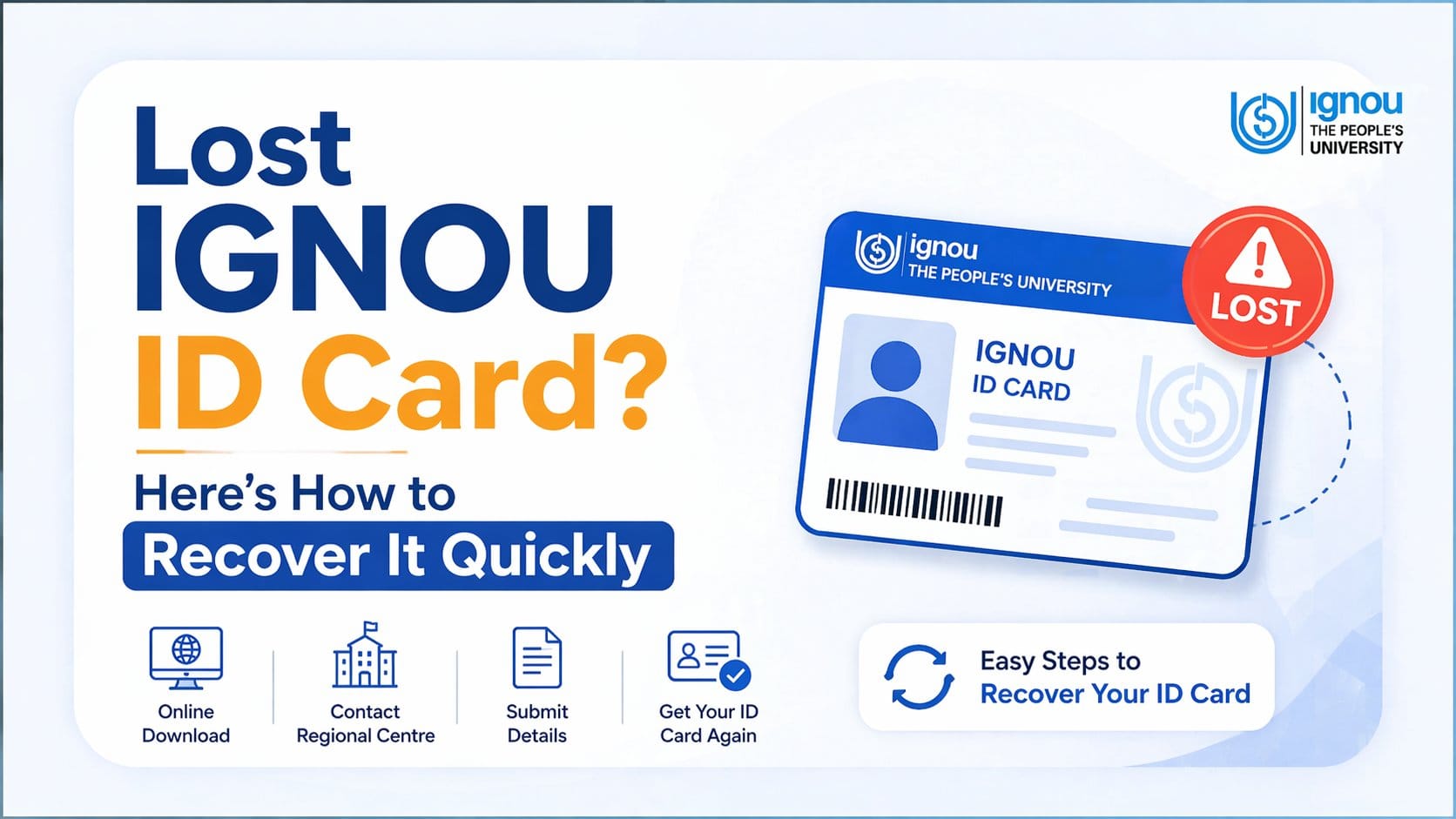
It's really stressful to lose your IGNOU ID card, especially as exams or assignment submissions are approaching. Many students don't realise how important their IGNOU ID card is until they are required to show it before entering the exam centre. But luckily for students, recovering their IGNOU ID card is typically quite easy. This is because IGNOU's official student portal also provides a digital version of your card which you can typically download within minutes. You have recovery options if you’ve forgotten your login credentials as well. This article gives information on how to quickly recover an original (physical) copy of an IGNOU ID card, what to do if an original (physical) copy cannot be found, and how to avoid issues at exams caused by not having the required materials (like your ID Card) at the last minute.
Why IGNOU ID Card Is Important for IGNOU Students
The IGNOU ID Card represents so much more than just a piece of paper. This document acts as proof of your identity as a student while pursuing your studies at IGNOU. The use of your ID Card covers many applications from entering the examination hall through to submitting assignments, it is, therefore, integral to a number of processes at the university.
Though many students focus solely on the hall ticket, the ID card has as much value and may become essential to completing university activity at various times throughout your study with IGNOU and is most vital during the Term-End Examination period.
Is IGNOU ID Card Mandatory for Exams?
Yes, in most cases, students are expected to carry their IGNOU ID card during Term End Examinations (TEE).
The exam centre may ask for both:
- Hall Ticket
- IGNOU Student ID Card
The hall ticket confirms your exam details, while the ID card verifies your identity as a registered IGNOU student.
Without proper ID verification, students may face unnecessary issues at the exam centre.
Why Hall Ticket Alone Is Not Enough
Many students assume the hall ticket is sufficient. This is a common mistake. The hall ticket shows:
- Exam date
- Subject code
- Exam centre
- Session timing
But it does not work as your official student identity proof.
That is where the IGNOU ID card becomes necessary.
Both documents serve different purposes, and students should always carry both together.
Where IGNOU ID Card Is Required Apart from Exams
The importance of the ID card goes beyond examinations. You may also need it for:
- Assignment submission
- Practical exams
- Study centre visits
- Project submission
- Counselling sessions
- Regional centre verification
- Convocation-related formalities
- Re-registration processes
The official student services are managed through the IGNOU Samarth portal where ID card access is available at IGNOU.
Can You Recover a Lost IGNOU ID Card Online?
Yes, absolutely.
If your printed ID card is lost, damaged, or misplaced, IGNOU allows students to download it again through the official portal.
This means you usually do not need to apply for a physical replacement immediately.
Most students can recover it online within minutes.
Can You Download IGNOU ID Card Again After Losing It?
Yes, you can.
Since IGNOU issues a digital ID card, students can simply log in and download a fresh PDF copy.
This makes recovery much easier compared to traditional universities where manual reissue is required.
You only need:
- Confirmed admission
- Active student login
- Access to registered email or mobile
This process saves both time and stress.
Is Visiting the Regional Centre Necessary?
Usually, no.
Most ID card recovery issues can be solved online.
Students should visit the regional centre only if:
- Login recovery is failing
- Admission is confirmed but ID card is missing
- Wrong student details appear
- Urgent verification is needed before exams
For normal cases, the Samarth portal is enough.
How to Download IGNOU ID Card Again from Samarth Portal
The fastest and safest way to recover your ID card is through the official IGNOU Samarth student portal.
Students should avoid unofficial websites because they often provide outdated steps and wrong information.
Step 1: Visit the Official IGNOU Samarth Student Portal
Go to the official student portal. This is the official platform used for:
- ID card download
- Re-registration
- Fee-related services
- Student profile updates
- Academic records
Always ensure you are using the correct portal.
Step 2: Login Using Enrollment Number and Password
Enter the following details:
- Username or Enrollment Number
- Password
- Captcha code
Once entered correctly, your dashboard will open.
Avoid repeated wrong password attempts because temporary access restrictions may happen.
Step 3: Open Services Section and Find ID Card
Inside the dashboard, go to Services - ID Card
This is where your downloadable student identity card is available.
Many students miss this option because they search only on the homepage.
The correct path is inside the Services section.
Step 4: Download and Save the IGNOU ID Card PDF
Click the download option and save the file immediately.
In many cases, the PDF opens using your Enrollment Number as the password, according to common student guidance Always save the file in multiple places for future safety.
Forgot IGNOU Login Password? Quick Recovery Method
This is one of the most common student problems.
Many students log in only during exams and forget their password after months.
Thankfully, recovery is usually quick.
How to Use the Forgot Password Option
On the login page:
- Click on Forgot Password
- Enter registered email or mobile number
- Complete OTP or email verification
- Create a new password
Most students recover access within minutes if their contact details are active.
Password Reset Using Registered Mobile or Email
Your registered mobile number and email ID are the fastest recovery tools. That is why students should never ignore updating these details. If your old mobile number is inactive, recovery may take longer. Always keep your active contact details updated in the student portal.
Common Password Recovery Mistakes to Avoid
Students often create unnecessary problems by:
- Trying too many random passwords
- Using an unregistered email
- Forgetting which mobile number was used
- Waiting until exam week for reset
Password recovery should be done early, not under last-minute pressure.
Forgot Username Too? How to Recover IGNOU Login Details
Some students forget both username and password.
This feels serious, but recovery is still possible.
Recover Username Using Registered Email ID
Your registered email ID often helps retrieve your username quickly.
Check:
- Admission confirmation emails
- Previous portal emails
- Registration messages from IGNOU
Many students find login details there.
Use Enrollment Number and Admission Details
You can also use:
- Enrollment number
- Control number
- Admission confirmation documents
- Fee payment receipts
These details help verify your student account faster.
Keeping old admission records safe is always helpful.
What to Do If Both Username and Password Are Lost
- First recover the username.
- Then use the Forgot Password option.
- Do not try both together without proper records.
- If recovery still fails, contact your regional centre with proof of admission and identity.
Old IGNOU Students: How to Access Previous Admission Portal
Students from older admission sessions may not always find their ID card in the new portal.
This is common and usually easy to solve.
Why ID Card May Not Show in New Portal
Older student records are sometimes stored separately.
This happens especially for:
- Previous admission sessions
- Students returning after a gap
- Back paper students
- Reappearing students
This does not mean your ID card is lost permanently.
Using the Previous Admission Session Login
In such cases:
- Use the Previous Admission Portal
- Select your admission year
- Login there
- Open Services section
- Download the ID card
This method works for many older students.
Downloading ID Card for Back Paper Students
- Students appearing for backlog or back papers often face this issue.
- Their records may remain linked to older academic sessions.
- Using the previous portal is usually the correct solution.
IGNOU ID Card Not Showing? Common Reasons Explained
Sometimes students successfully log in but still cannot see the ID card option.
This usually happens due to simple reasons.
Admission Still Under Verification
- The ID card is generated only after admission confirmation.
- If your admission is still pending verification, the card may not appear.
- Check admission status here:
- Always confirm admission before worrying.
Technical Delay in Student Dashboard
- Sometimes the portal needs time to update after admission approval.
- This is normal.
- Waiting 24–72 hours often solves the issue.
- Students should avoid unnecessary panic during this period.
Should You Visit the IGNOU Regional Centre?
Only when online recovery does not work. Most students do not need offline support, but some situations require it.
Situations When Offline Help Is Necessary
Visit the regional centre if:
- ID card is missing despite confirmed admission
- Login recovery fails repeatedly
- Student details are incorrect
- Urgent exam verification is needed
Offline help is best for unresolved technical cases.
How Regional Centre Can Help in ID Card Recovery
The regional centre can:
- Verify student records
- Confirm admission status
- Help with incorrect details
- Guide manual correction process
This becomes important during urgent exam situations.
Why IGNOU ID Card Recovery Matters Before Exams
The exam season is when ID card issues become serious. Students often ignore this until the last moment. That creates unnecessary stress.
Exam Day Problems Students Commonly Face
Many students reach the centre with:
- Hall ticket ready
- Full exam preparation
- Correct exam schedule
But no ID card.
This creates avoidable tension.
How Early Recovery Prevents Last-Minute Stress
Checking your ID card weeks before exams helps avoid:
- Password recovery panic
- Portal delays
- Admission confusion
- Regional centre urgency
Early action always helps.
Final Conclusion on Lost IGNOU ID Card Recovery
Losing your IGNOU ID card feels stressful, but in most cases, it is not a major problem. Since IGNOU provides a digital ID card through the Samarth portal, students can usually recover it quickly without visiting the regional centre. The real issue is delay.
Students often ignore the ID card until exams are near, and that creates avoidable panic. A missing ID card becomes serious only when recovery is left for the last moment. Checking your portal early, confirming admission status, and keeping backup copies can prevent this completely.
In distance education, managing documents is just as important as preparing for exams. Your IGNOU ID card is one of those non-negotiable essentials. Recover it early and stay exam-ready without unnecessary stress.
| Relevant Links | |
| IGNOU Courses | IGNOU Fee Structure |
| IGNOU Admission | IGNOU Ranking |
FAQs
The first thing you should do is log in to the official IGNOU Samarth portal and check whether your digital ID card is available there. Since IGNOU provides ID cards online, most students can simply re-download the PDF without visiting the regional centre. Avoid panic and use only the official portal for recovery.
Yes, IGNOU allows students to download their ID card again through the Samarth student portal. If your admission is confirmed and your login credentials are working, you can access the Services section and download a fresh PDF copy. This is the fastest and easiest recovery method.
Yes, students are generally expected to carry both the hall ticket and the IGNOU ID card during Term End Examinations. The hall ticket shows your exam details, while the ID card works as your student identity proof. Carrying both helps avoid problems at the exam centre.
In many cases, only carrying the hall ticket may create issues because the exam centre may also ask for your IGNOU ID card. The hall ticket and ID card serve different purposes, so students should always keep both documents ready before the exam day.
If you forgot your password, use the “Forgot Password” option on the official login page. Enter your registered mobile number or email ID, complete the verification process, and create a new password. This usually takes only a few minutes if your registered contact details are active.

- Colleges in New Delhi
- Indira Gandhi National Open University (IGNOU)
- Lost IGNOU ID Card? Here’s How to Recover It Quickly
